Open Precision Fish Detection →
Use PFD in your browser, or install an app shortcut where supported. Sign in or register; access is subject to your arrangements with TPS.
Install from Google Chrome
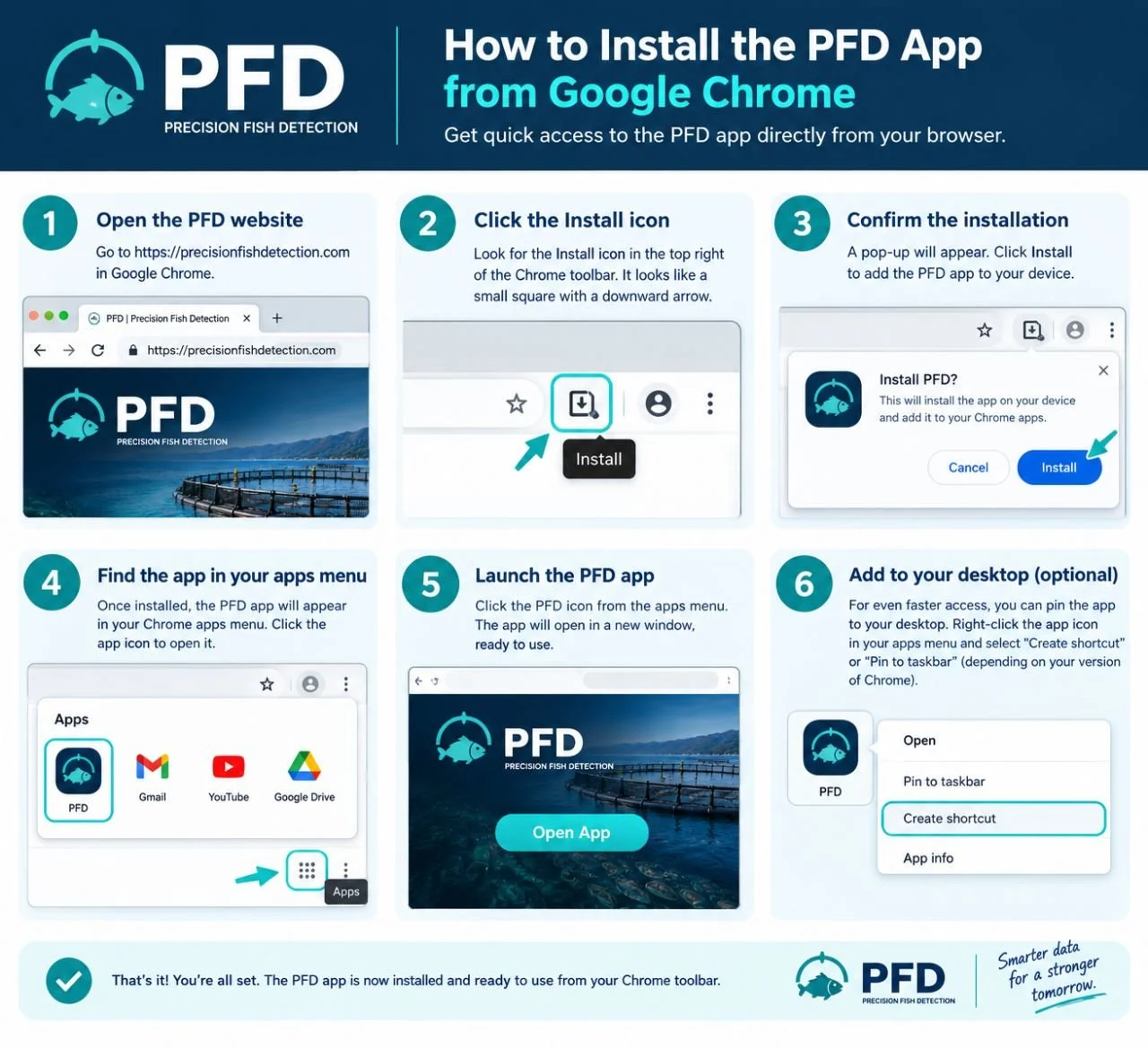
Open PFD in Chrome.
Choose the install icon or the browser menu’s install option, if offered.
Confirm Install.
Launch PFD from your device’s app list or shortcut. Pin it for quick access where supported.
The illustrated guide below shows an example. Menus and app locations vary by browser version and operating system.
Other devices
iPhone / iPad: Safari → Share → Add to Home Screen.
Android: Chrome → Install app or Add to Home screen, if offered.
Installation is optional and does not guarantee offline analysis. If no install option appears, continue in your browser.
Need help?
Contact TPS with your device, browser and the issue. Do not send your password.
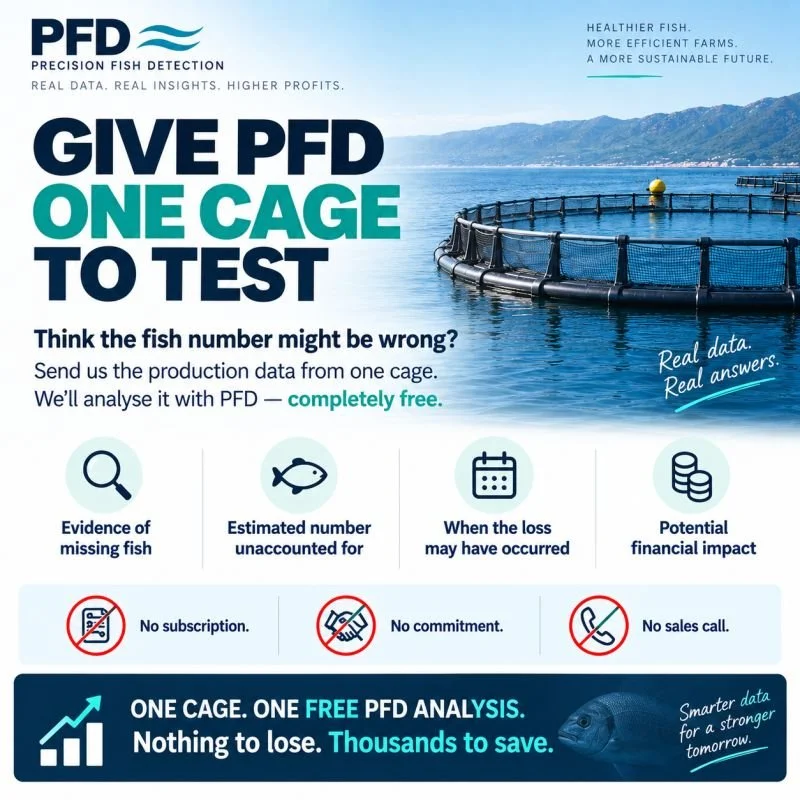
Request a Free One-Cage Analysis →
No subscription commitment or mandatory sales call.